How to Keep Your Software Licenses and Subscriptions Organized
· By Designnplace Editorial Team
Between software licenses, streaming services, cloud storage plans, and app subscriptions, it is easy to lose track of what you are paying for, when renewals happen, and how to access old license keys when you need them. A simple organizational system prevents wasted money and last-minute scrambling.
1. Create a Master List of Active Subscriptions
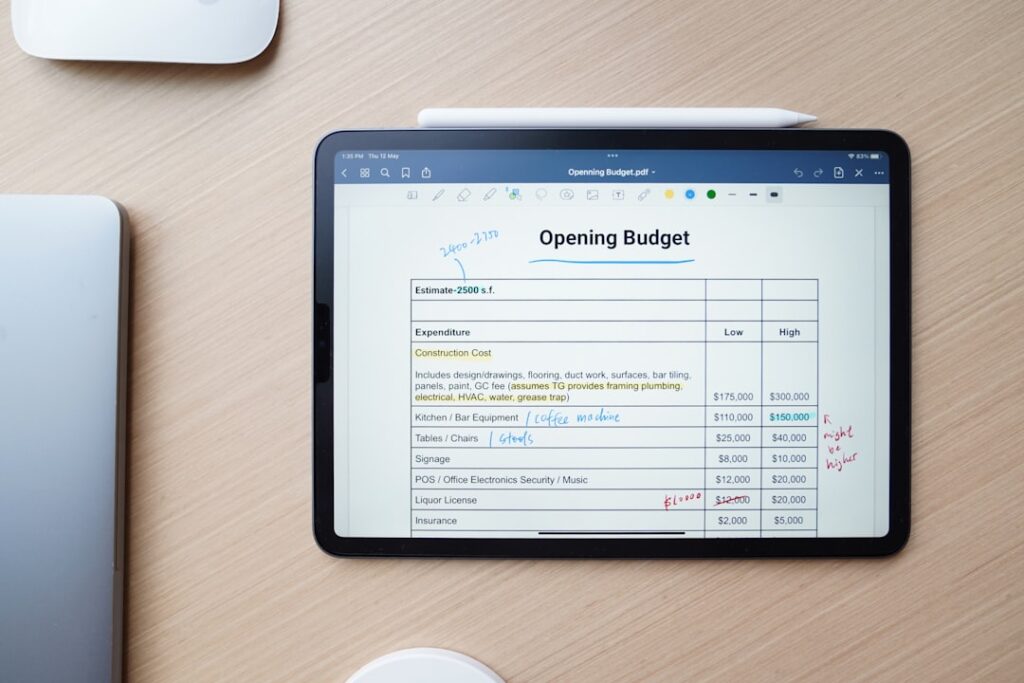
Start with a simple spreadsheet or document listing every active subscription, including the service name, monthly or annual cost, renewal date, and the account or email it is tied to. This single reference point makes it far easier to track your total spending.
2. Store License Keys in a Secure, Searchable Place
Rather than scattering software license keys across old emails and random notes, store them in a password manager’s secure notes feature or a dedicated encrypted document, so you can find them quickly if you need to reinstall software.
3. Set Reminders Before Renewal Dates
For subscriptions you might want to cancel rather than auto-renew, set a calendar reminder a few days before the renewal date, giving yourself time to decide and cancel if needed, rather than being charged automatically for another period.
4. Use a Dedicated Email for Subscription Sign-Ups
Consider using a separate email address specifically for subscription and software sign-ups. This keeps renewal notices and receipts organized in one place, separate from your primary inbox.
5. Take Screenshots of Purchase Confirmations
For paid software licenses, especially older ones without cloud-based account recovery, save a screenshot or PDF of the purchase confirmation and license key together, protecting you if the original email is ever lost.
6. Review Your Full List Quarterly
Set a recurring reminder every three months to review your master list, canceling anything you no longer use and confirming pricing has not increased unexpectedly since your last review.
7. Group Subscriptions by Category
Organizing your list by category, streaming, productivity software, cloud storage, makes it easier to spot redundancies, such as paying for two different cloud storage services when one would suffice.
8. Keep Family or Team Subscriptions Clearly Documented
If you share subscriptions with family members or a team, document who has access, login details, and how costs are split, preventing confusion or duplicate purchases down the line.
Final Thoughts
A simple, consistently maintained list of your software licenses and subscriptions takes minimal effort to set up but saves real money over time by preventing forgotten renewals and duplicate purchases, while also making license recovery far less stressful when you actually need it.
Store your license keys securely using a password manager, and if entertainment subscriptions are part of your list, see our guide on choosing the right streaming service. The FTC also has guidance on canceling free trials and subscriptions before they auto-renew.
Frequently Asked Questions
What is the best way to track my subscriptions?
A simple spreadsheet listing each subscription’s cost, renewal date, and linked account gives you a single reference point for tracking your total spending.
Where should I store software license keys?
Store them in a password manager’s secure notes feature or a dedicated encrypted document, rather than scattering them across old emails.
How often should I review my subscriptions?
A quarterly review helps catch forgotten renewals, unexpected price increases, and subscriptions you no longer use.
Should I use a separate email for subscription sign-ups?
Yes, a dedicated email keeps renewal notices and receipts organized in one place, separate from your primary inbox.

Written by
Designnplace Editorial TeamThe Designnplace Editorial Team researches, tests, and writes every guide on this site. With years of hands-on experience troubleshooting devices, testing software, and solving everyday tech problems, the team verifies each article against official documentation and manufacturer support pages before publishing, and updates guides whenever an app or operating system changes.
Leave a Reply